Color Profile Converter
Convert images between RGB, CMYK, and other color profiles online. Prepare print-ready files with accurate color reproduction for professional printing.
By using the service, you agree with the T&C and Privacy Policy.
Accurate Colors From Screen to Print
Convert color profiles with precision to ensure your images look exactly as intended — whether displayed on screen or printed on paper.
Print-Ready Output
Convert RGB images to CMYK with professional-grade accuracy. Our tool maps colors from the wide RGB gamut to the printable CMYK range, so your prints match your vision.
Color Fidelity
Powered by industry-standard color management, our converter preserves tonal accuracy, contrast, and detail across color spaces — just like professional prepress software.
Secure & Private
Your images are processed securely with SSL encryption. Files are automatically deleted after conversion — your creative work stays private.
Color Profiles For Every Workflow
Whether you shoot, design, or print, use the right color space to get the best results at every stage of production.
sRGB — Digital & Web
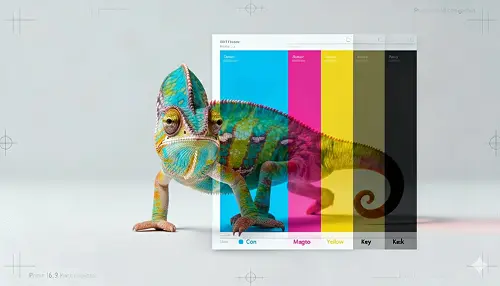
sRGB is the universal standard for digital screens — from monitors and smartphones to social media and websites.
If your images are destined for online use, sRGB ensures consistent, predictable colors across virtually every device. It's the default color space for most cameras, browsers, and email clients, making it the safest choice for digital distribution.

Adobe RGB — Photography
Adobe RGB captures a wider gamut than sRGB, preserving richer greens, cyans, and saturated tones that sRGB clips.
Professional photographers shoot in Adobe RGB to retain maximum color information during editing. When final output is needed for print, Adobe RGB provides more data for the CMYK conversion, resulting in smoother gradients and more vibrant printed tones.
CMYK — Commercial Printing
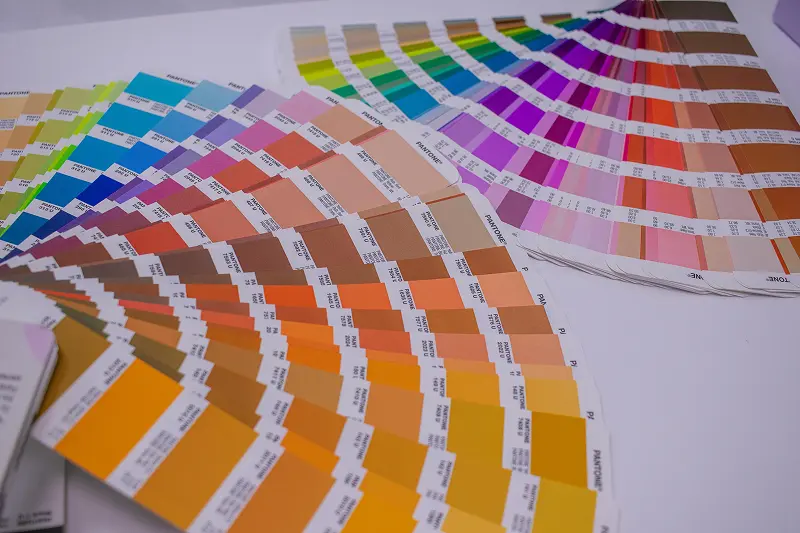
CMYK (Cyan, Magenta, Yellow, Key/Black) is the color model used by every offset and digital press. Converting to CMYK before sending files to print gives you full control over how colors are reproduced on paper.
Without proper conversion, printers apply their own automatic mapping — often producing dull, shifted, or unpredictable results. A deliberate RGB-to-CMYK conversion with the correct ICC profile eliminates surprises.
ICC Profiles — Precision Matching
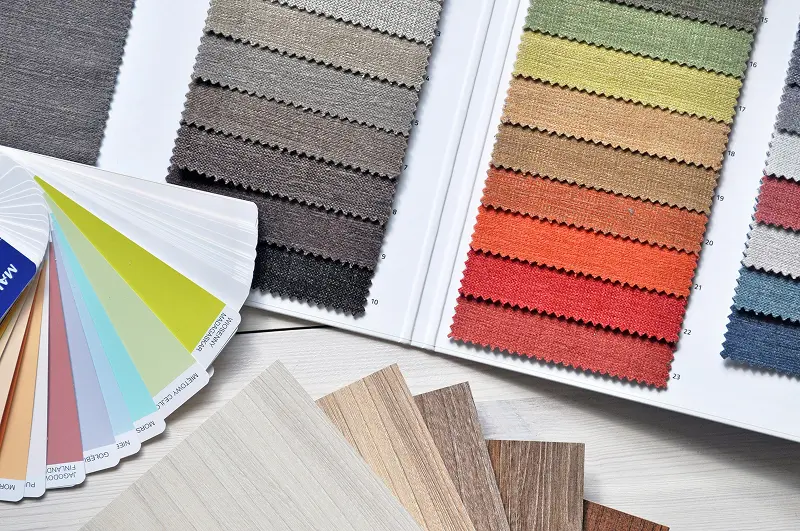
ICC profiles are standardized descriptions of how a device (camera, monitor, or printer) reproduces color. Using the right profile at each stage of your workflow ensures what you see on screen matches what comes off the press.
Common profiles like FOGRA39 (European coated paper), SWOP (North American web offset), and GRACoL (US commercial printing) let you target specific printing conditions with confidence.
Ready to Prepare Your Images for Print?
Upload your images to convert color profiles with professional accuracy. Preserve color fidelity from screen to press.
Converter Features
Everything you need to prepare images for professional printing.
Batch Processing
Convert multiple images at once — ideal for preparing entire photo shoots or catalogs for print.
Multiple Color Spaces
Supports RGB, CMYK, sRGB, Adobe RGB, and custom ICC profile conversions.
Multi-Format Support
Upload and export in JPG, PNG, WebP, and TIFF for maximum compatibility with print and web workflows.
What Our Users Are Saying
Print Studio Pro
Perfect CMYK conversions every time
"We switched from manual Photoshop conversions to this tool and cut our prepress prep time in half. Colors match the proof prints consistently."
Wedding Photographer
Album colors finally match my edits
"My printed wedding albums used to look dull compared to screen. Now my Adobe RGB files convert to CMYK perfectly — skin tones are spot on."
Design Agency
Streamlined our entire print workflow
"Batch-converting hundreds of brand assets from RGB to CMYK used to take hours. This tool does it in minutes with consistent results."
Frequently Asked Questions
Screens display colors using light (RGB), while printers use ink (CMYK). These color spaces have different gamuts — many vivid RGB colors cannot be reproduced with ink. Converting before printing lets you control how colors are mapped, avoiding dull or shifted prints.
Some color shift is expected because CMYK has a narrower gamut than RGB. Highly saturated blues, purples, and greens are the most affected. Our tool uses professional rendering intents and ICC profiles to minimize visible differences and preserve the overall look of your image.
An ICC profile describes how a device reproduces color. For printing, common profiles include FOGRA39 (European coated paper), SWOP (US web offset), and GRACoL (US commercial print). Ask your print provider which profile to use — using the correct one ensures the most accurate color reproduction.
We support JPG, PNG, and WebP uploads up to 50 MB. You can export converted files in multiple formats. For print, TIFF and high-quality JPG are recommended to preserve color accuracy and detail.
Yes, our tool supports both directions. However, converting CMYK to RGB may not fully restore the original colors if gamut clipping occurred during the initial conversion. For best results, always keep your original RGB files.
Ready to Prepare Your Images for Print?
Upload your images to convert color profiles with professional accuracy. Preserve color fidelity from screen to press.
Built for