Remove backgrounds instantly with AI.
Transform any image into a clean cutout in seconds. Our advanced AI precisely detects subjects — people, products, animals, and more — delivering professional results without manual editing.
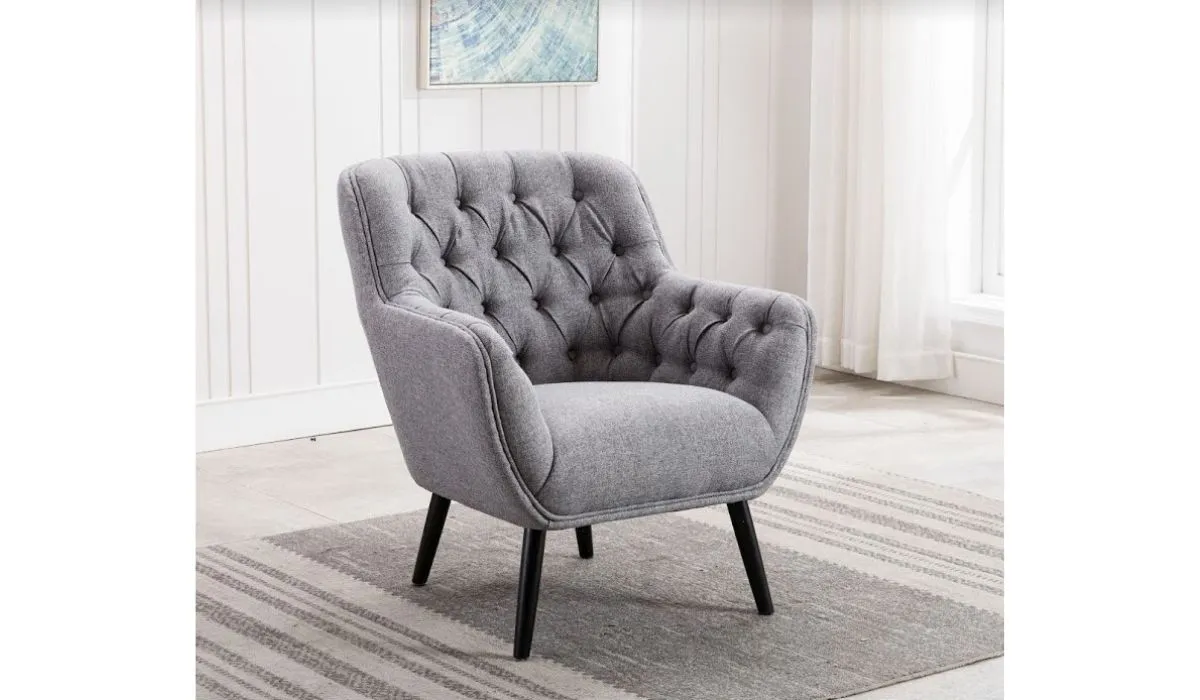
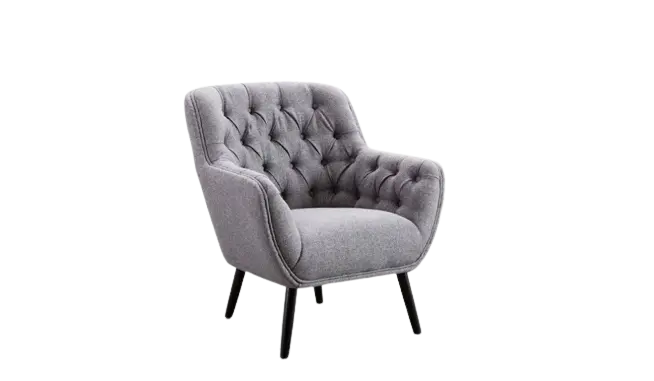
See the difference.

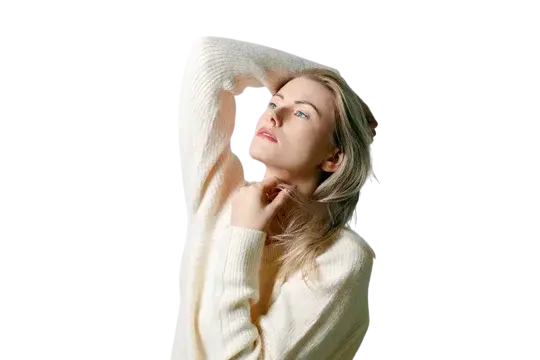
"The background removal quality is exceptional — even fine hair details are preserved perfectly. This has transformed our product photography workflow."
Precision meets speed.
Our AI doesn't just detect edges — it understands context. Hair, fur, transparent objects, and complex backgrounds are handled with the same accuracy as simple solid colors. The result? Clean cutouts that look professionally edited, delivered in seconds.
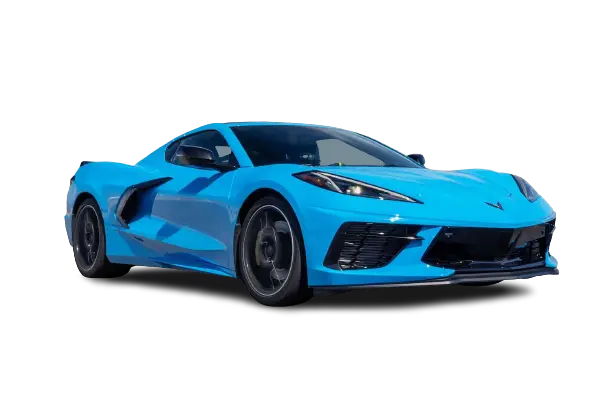
Professional results. Zero effort.
Whether you're creating product listings, designing marketing materials, or editing personal photos — get studio-quality background removal without Photoshop skills. Our AI handles the complexity so you can focus on creativity.
Ready to remove backgrounds?
Upload an image and see the difference AI makes. No signup required.
Advanced AI. Pixel-perfect accuracy.
Our background removal technology adapts to every image type, ensuring clean results regardless of complexity.
Edge Detection
Advanced algorithms preserve delicate details like hair strands, fur, and transparent edges that other tools miss. No more jagged cutouts or lost wisps.
Subject Recognition
AI automatically identifies and separates subjects from backgrounds — people, products, animals, vehicles, and more. No manual selection required.
Background Handling
From busy cityscapes to gradient skies, our AI handles complex backgrounds with ease. Even subjects with similar colors to their background are cleanly extracted.
Everything you need. Nothing you don't.
Professional-grade background removal with features that make your workflow faster and results better.
Instant Processing
Upload and get results in under 5 seconds. No waiting, no queues — just fast, reliable background removal whenever you need it.
Hair & Fur Precision
Our AI preserves fine details that other tools blur or cut off. Perfect for portraits, pet photos, and any image with delicate edges.
Transparent PNG Export
Download your cutouts as high-quality transparent PNGs ready for any design project, website, or marketplace listing.
Batch Processing
Process multiple images at once. Perfect for e-commerce sellers, photographers, and anyone working with large image libraries.
No Size Limits
Upload images of any resolution. From thumbnails to high-resolution photos — we handle them all without quality loss.
Multiple Format Support
Accept PNG, JPEG, WebP, and more. Export in the format that works best for your workflow with adjustable quality settings.
Smart Edge Refinement
AI automatically smooths and refines edges for natural-looking results. No halo effects or rough cutouts.
One-Click Results
No manual editing required. Upload your image and get a perfect cutout — it's that simple.
Ready to remove backgrounds?
Upload an image and see the difference AI makes. No signup required.
Simple process. Professional results.
Get a transparent background in three easy steps — no technical skills required.
Upload Your Image
Drag and drop or click to upload any image. We support PNG, JPEG, WebP, and more with no file size restrictions.
AI Processes Automatically
Our AI instantly analyzes your image, detects the subject, and removes the background with pixel-perfect precision.
Download Your Cutout
Get your transparent PNG in seconds. Ready to use in any design software, website, or marketplace.
Perfect for every use case.
From professional workflows to personal projects — background removal that adapts to your needs.
E-Commerce
Create clean, professional product images that boost conversions and meet marketplace requirements.
White backgrounds are standard for Amazon, eBay, and most online marketplaces. Our tool instantly transforms product photos into compliant listings that look polished and professional.
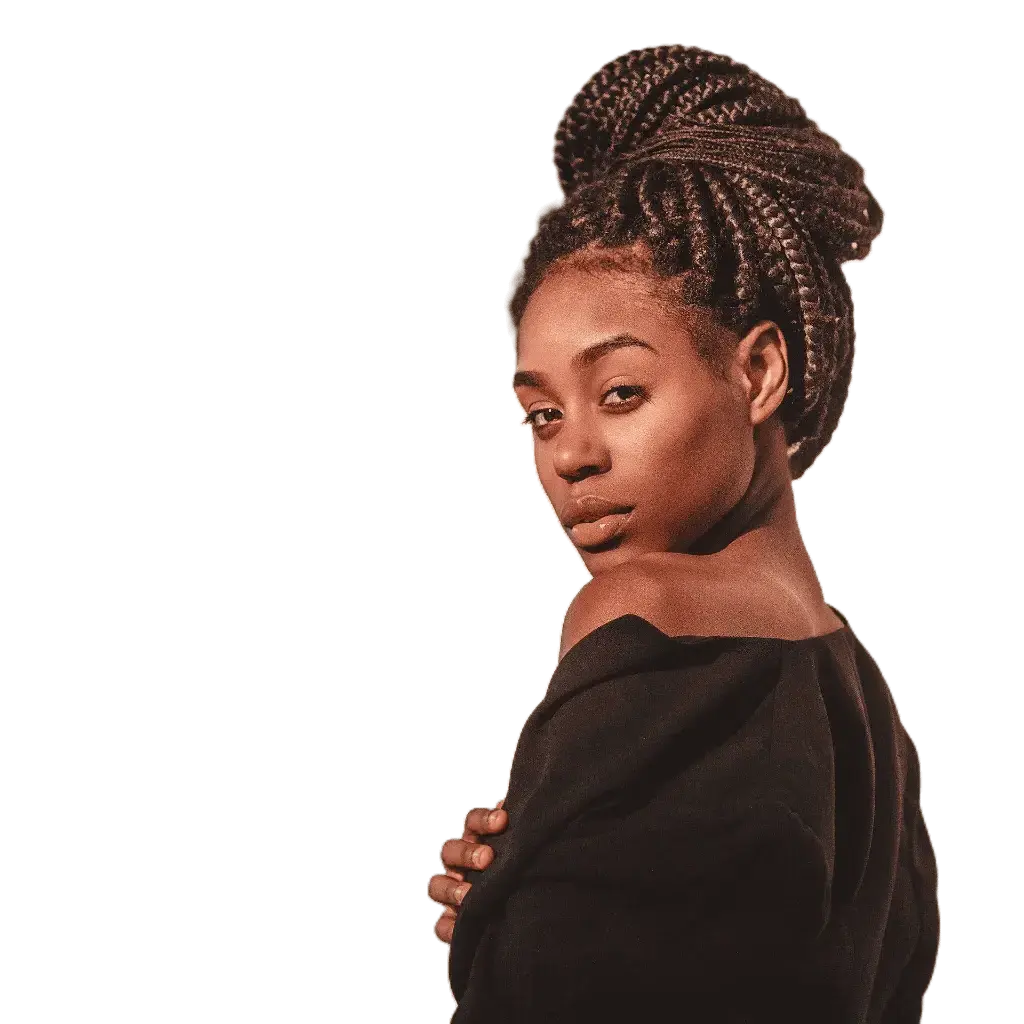
Portraits
Extract subjects from any background for professional headshots, team photos, or creative composites.
Whether you're creating LinkedIn profiles, company directories, or marketing materials — get perfect cutouts that preserve natural hair detail and skin tones.
Marketing
Create versatile assets for banners, social media, presentations, and print materials.
Transparent backgrounds give designers flexibility to place subjects on any backdrop, adjust compositions, and create cohesive campaigns across multiple channels.

Creative Projects
From photo collages to digital art — unlock creative possibilities with clean cutouts.
Remove distracting backgrounds from travel photos, create custom stickers and merchandise, or build composite images. The only limit is your imagination.
Trusted by thousands of professionals.
Sarah K.
Game-changer for product photos
"I process hundreds of product images monthly. This tool saves me hours of manual editing while delivering better results than I could achieve myself."
David M.
Professional quality, instant results
"The edge detection is remarkable — even complex hair and transparent objects come out clean. It's become an essential part of my design workflow."
Jessica R.
Perfect for quick content creation
"Creating social media graphics is so much faster now. Upload, remove background, place on new design — done. The quality rivals premium tools."
Frequently Asked Questions
Our AI uses advanced machine learning models trained on millions of images to detect subjects and separate them from backgrounds. It analyzes edges, colors, and context to create precise cutouts without manual input.
You can upload PNG, JPEG, WebP, BMP, and TIFF files. Processed images are exported as high-quality transparent PNGs, perfect for any design application or marketplace.
Yes! Our AI excels at separating subjects from complex, busy, or gradient backgrounds. It handles challenging scenarios like similar subject-background colors, transparent objects, and intricate patterns.
Most images are processed in under 5 seconds. Larger, high-resolution images may take slightly longer, but you'll typically have your result in under 10 seconds.
We accept images of any size — from small thumbnails to high-resolution professional photos. Our infrastructure is built to handle large files without compromising speed or quality.
Yes! Our batch processing feature lets you upload and process multiple images simultaneously, perfect for e-commerce stores, photographers, and anyone working with large image collections.
Our AI specifically excels at preserving fine details like hair strands, fur, and wispy edges. Unlike basic tools that create harsh cutouts, we maintain natural-looking boundaries.
For guest users, images are processed and immediately deleted. Logged-in users can optionally save their work for later access. All processing is secure and private.
Ready to remove backgrounds?
Upload an image and see the difference AI makes. No signup required.
Built for