Listing photos that sell the home, not the mess.
Stage empty rooms, turn daytime exteriors into twilight shots, clear the clutter and hide the address. Do one photo, or the whole listing in a single run.
The edits every listing needs, without the photo studio
Each one works on a single photo in seconds, or on every photo of a listing at once.
- BeforeAfter01
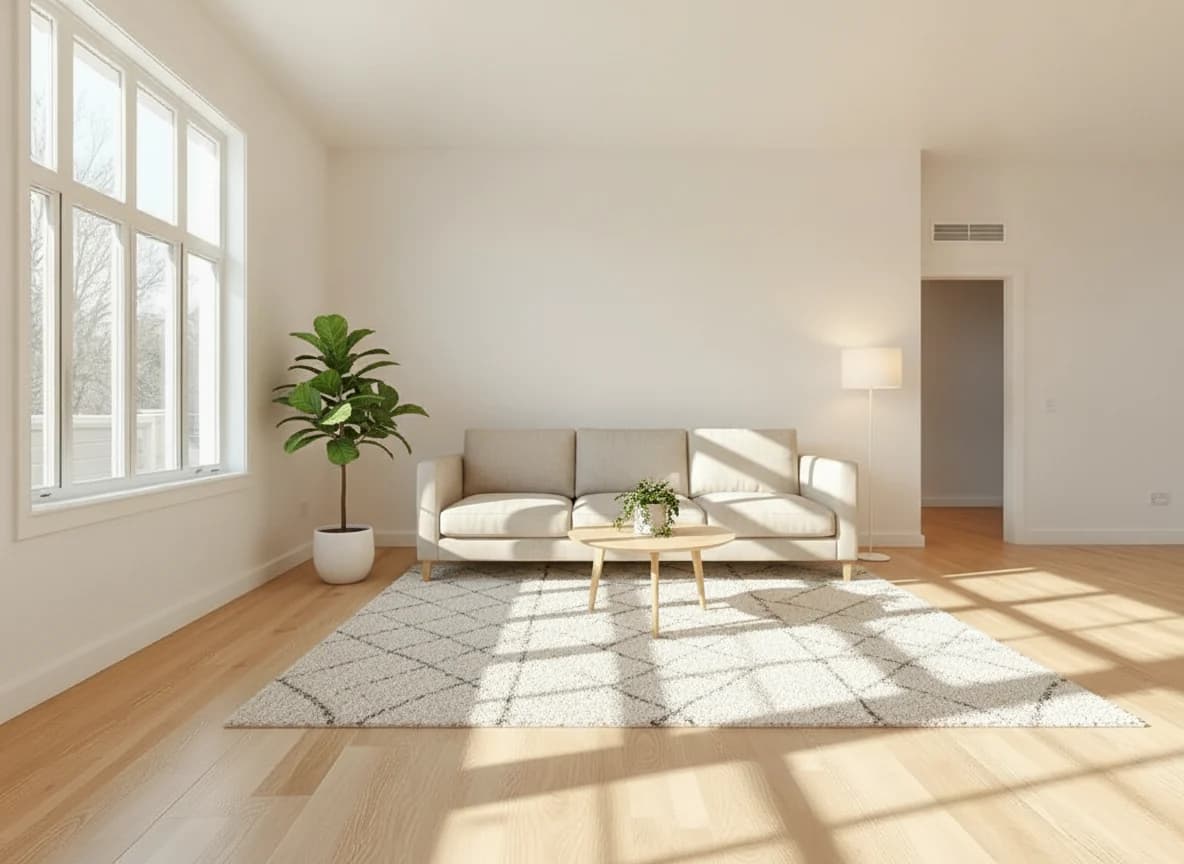
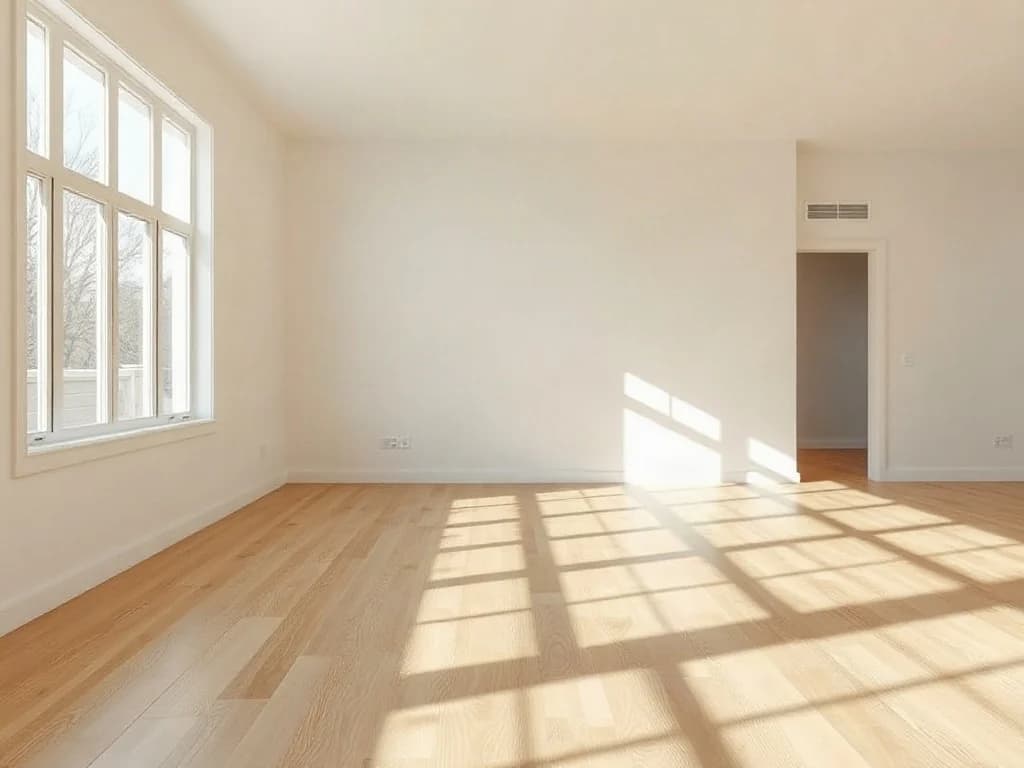
Virtual staging
Furnish empty rooms in a style that suits the buyer. Walls, windows and floors stay exactly as they are.
Try it  BeforeAfter
 02
02Day to twilight
Turn a flat daytime exterior into a warm twilight shot with glowing windows, without a second shoot at dusk.
Try it BeforeAfter
 03
03Declutter rooms
Clear away personal items, cables and mess, so buyers see the room instead of the seller's belongings.
Try it BeforeAfter
 04
04Hide the address
Remove house numbers, street signs, agency boards and number plates for private or off-market listings.
Try it
Files that are ready for the listing
- 3:2 · 4:3Listing crops for portals and your website
- Up to 10×Upscaling for brochures and window cards
- Whole listingEvery photo edited in one run
- Originals keptBefore and after side by side, for disclosure
Ready-made workflows for agents and photographers
Start from a template, change any step and run it on the whole shoot.
- Staging in three styles
- Empty room
- 3 interior styles
- Virtual staging
- Review
- Day to twilight
- Exterior photo
- AI edit: twilight
- Compare
- Full listing pack
- Enhance
- Review
- Portal, web and print files
The tools behind it
Frequently asked questions
Does virtual staging change the room itself?
No. The edit keeps the walls, windows, floors and camera angle and only adds furniture and decor. AI can still make mistakes, so check every photo before you publish. In a workflow, a review step lets you redo any image before the next step runs.
Do I have to say that a photo was virtually staged?
In many markets, yes. Rules differ by country, portal and association, so check the ones that apply to you. A common approach is to label the photo as virtually staged and show the original next to it. Our disclosure templates export the original alongside each edited photo.
Can I edit every photo of a listing at once?
Yes. Upload the whole shoot to a workflow and every photo goes through the same steps with the same settings. You download the finished files in one zip.
Which sizes and formats can I export?
Crop to 3:2, 4:3 or any ratio you need and download JPG or PNG files. For brochures and window cards, upscale photos by up to 10×.
Do I need design or photo editing skills?
No. Pick a template or a tool, upload your photos and download the results. You can change a template's steps and prompts if you want something different.
Get your next listing online faster
Stage, relight and clean up every photo of a listing in one go.
Start for free