Every customer file, press-ready in one run.
Turn low-res logos into SVG, EPS, PDF or DXF vectors, upscale artwork, set 300 DPI, convert to CMYK and add bleed with crop marks. Set the steps once and run them on every file that comes in.


Edit once. Apply it to every image.
Chain our AI tools into a reusable recipe — remove the background, crop to size, add a shadow, export for every marketplace — and run it on hundreds of images in one go.
Try Workflows
InputLow-res logo
Save hours on repetitive tasks
Set up the steps once and let the whole batch run while you focus on other work.
Consistent quality, every time
Every image goes through the same steps and settings, so your whole catalog looks like one photo shoot.
From one image to thousands
Upload a folder of photos and download finished, ready-to-publish files in bulk.
Stay in control
Add a review step to approve or redo results before credits are spent on the next steps.
Stop sending files back to the customer
Most print jobs stall on the artwork. Fix it yourself in seconds.


The specs your press asks for
- SVG · EPS · PDF · DXFVector formats
- 300 DPIPrint resolution, set in the file
- FOGRA39 · SWOP · GRACoLCMYK profiles
- 3 mm · 5 mm · 1/8 inBleed, with crop marks, TrimBox and BleedBox
Ready-made workflows for print shops
Run every incoming file through the same checks and fixes, and get press-ready output.
- Print ready
- Artwork
- Set 300 DPI
- Convert to PDF
- Customer logo to print vectors
- Logo
- Remove background
- Vectorize
- SVG
- Garment print cut-outs
- Design
- Upscale
- Remove background
- 300 DPI PNG
The same workflows, for other industries
The same tools and batch runs, set up for the photos other trades publish.
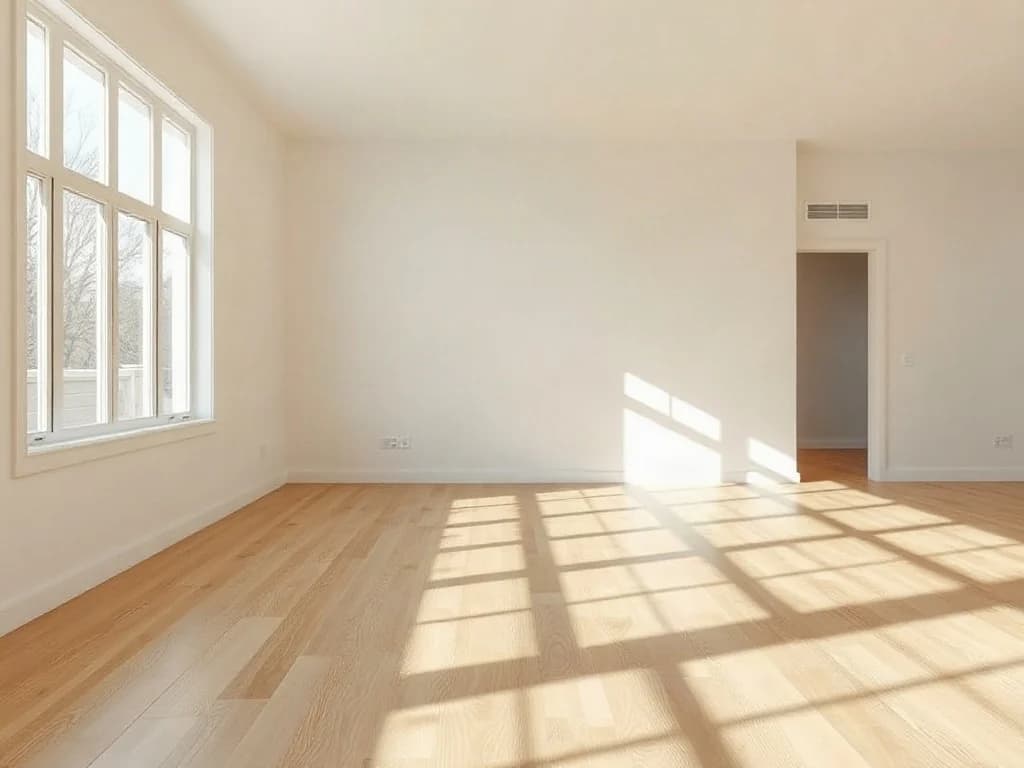
- Real estate
Listing photos that sell the home, not the mess.
For agents, photographers and portals.
- Virtual staging of empty rooms
- Day-to-twilight exteriors
- Declutter and remove objects
- Hide addresses for private listings
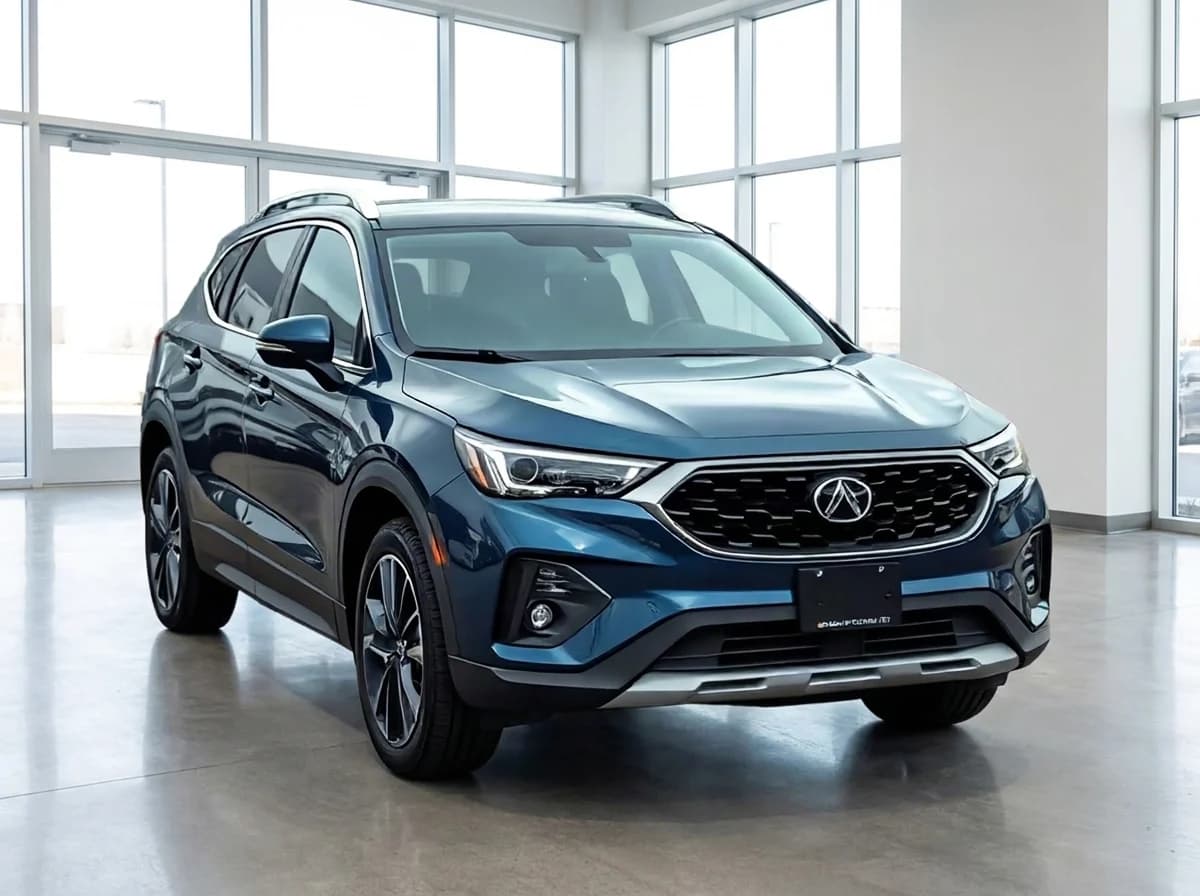
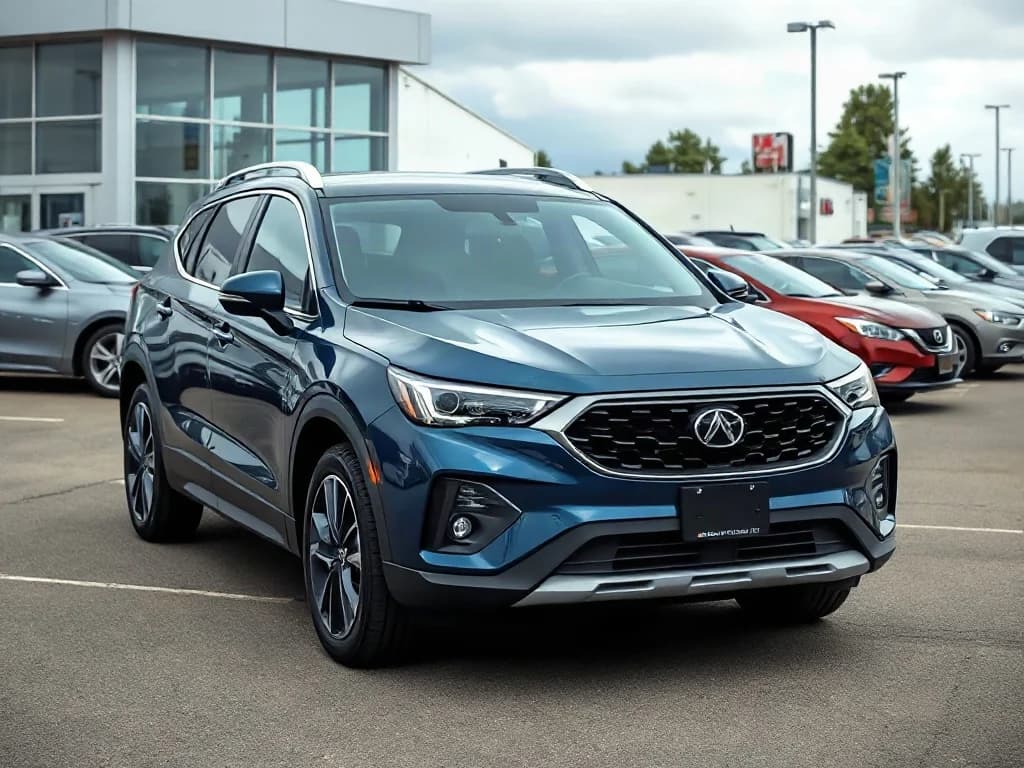
- Automotive
Every car on your lot, in the same showroom.
For dealers, rental companies and marketplaces.
- Showroom and white studio backgrounds
- Number plates hidden or branded
- Reflection and glare clean-up
- Matching photos across your whole inventory
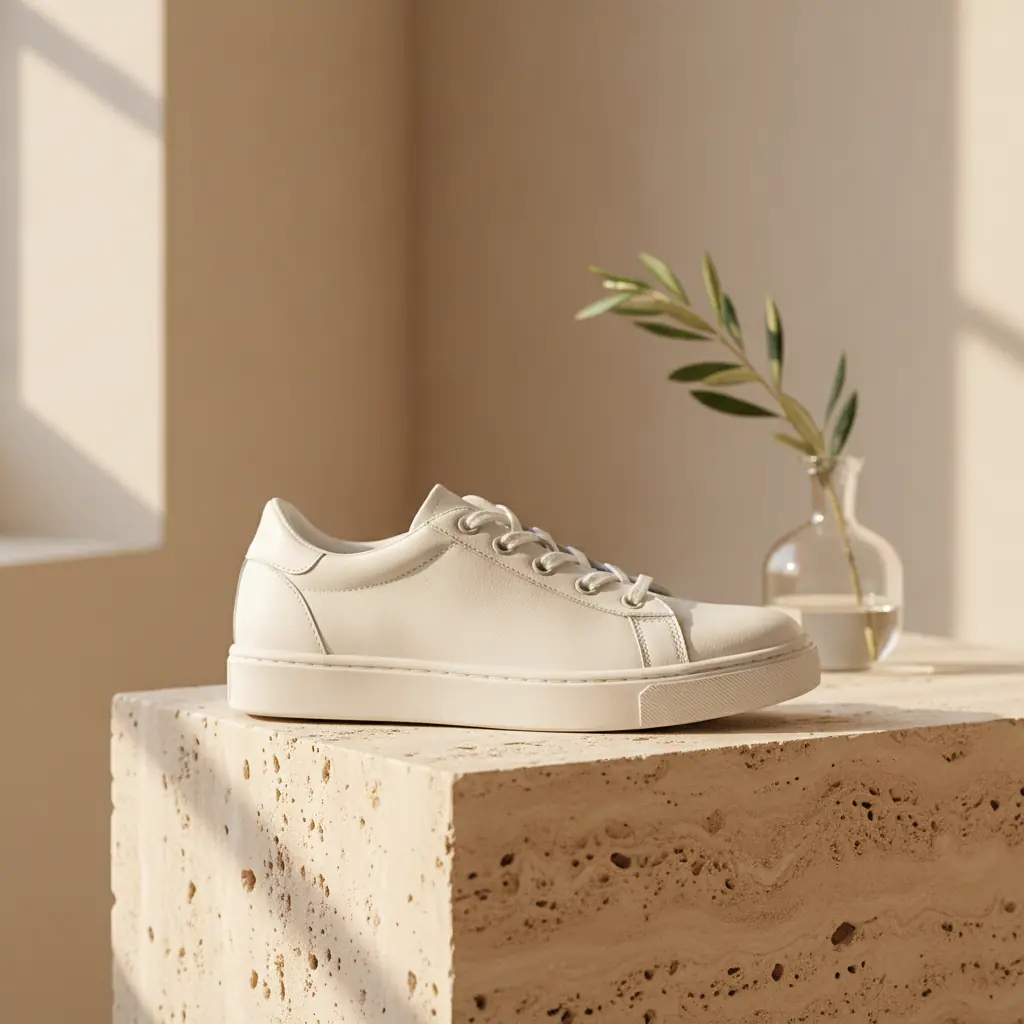
- E-commerce
Marketplace-ready product photos, from a phone shot.
For online stores, brands and marketplace sellers.
- Pure white backgrounds with soft shadows
- Lifestyle scenes without a photo shoot
- Ghost mannequin for apparel
- Amazon, eBay, Shopify and social sizes

Frequently asked questions
Which vector formats can I download?
SVG, EPS, PDF and DXF. SVG and PDF work in most design software, EPS suits older print workflows and DXF suits cutting machines.
Will my printer accept the files?
We add bleed and crop marks and set the TrimBox and BleedBox, which are what printers' automatic checks read. Every printer has its own rules though, so match their size, bleed and colour profile. We can't promise acceptance.
Which CMYK profile should I choose?
Ask your printer. FOGRA39 is common for coated paper in Europe, SWOP for US web offset and GRACoL for US commercial print.
Is upscaling enough for large formats?
Upscaling by up to 10× adds real detail and works well for posters and banners. For logos and text, vectorizing gives the sharpest result at any size.
Can I prepare many files at once?
Yes. Put the steps in a workflow, upload all the files and download them in one zip. The bleed tool takes PDFs with up to 200 pages.
Get every job to the press on the first try
Vectors, resolution, colour and bleed, fixed in minutes.
Start for free