Marketplace-ready product photos, from a phone shot.
Cut products out onto pure white, put them in lifestyle scenes, remove the mannequin and export every channel size, for one product or your whole catalogue.
A catalogue that looks like one photo shoot
Every product gets the same background, shadow and size, whoever took the photo.
 BeforeAfter01
Pure white background
A clean cut-out on pure white with a soft shadow: the main image marketplaces ask for.
Try it- BeforeAfter02
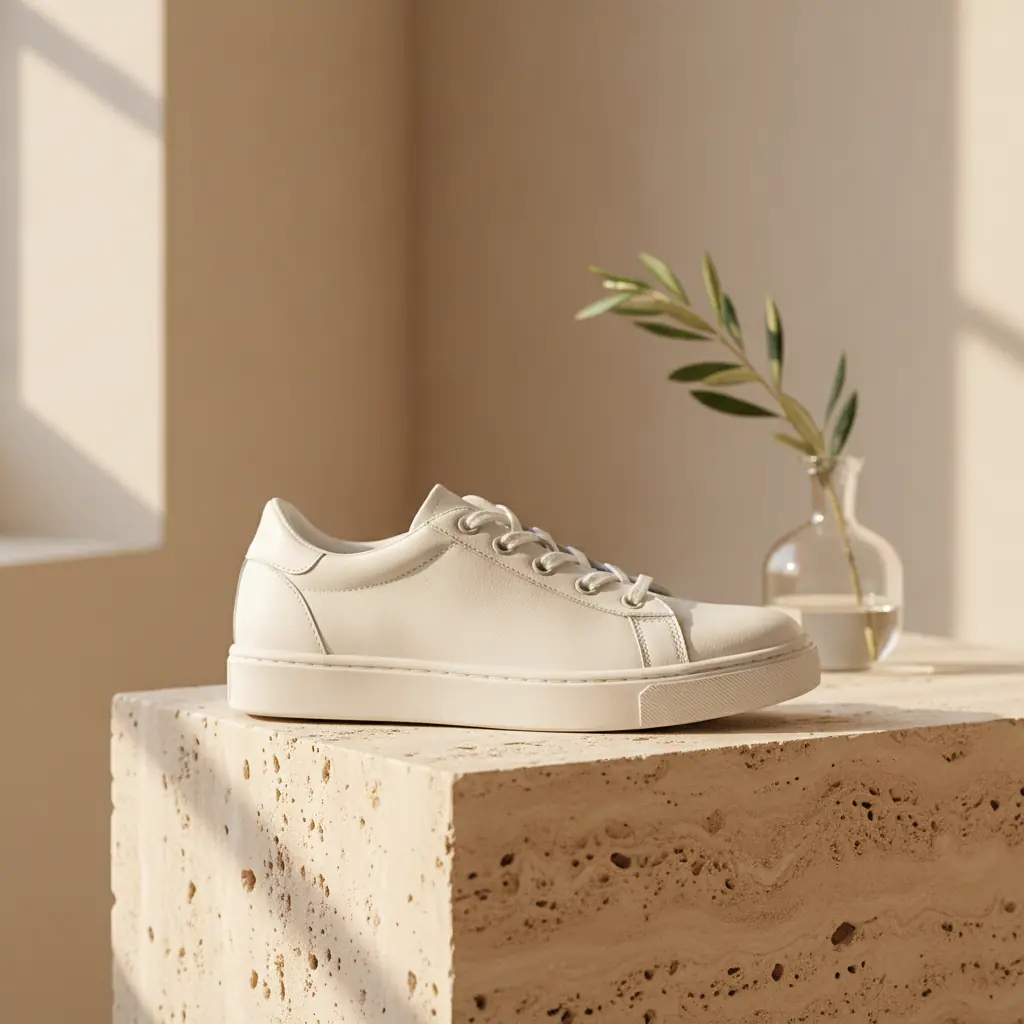
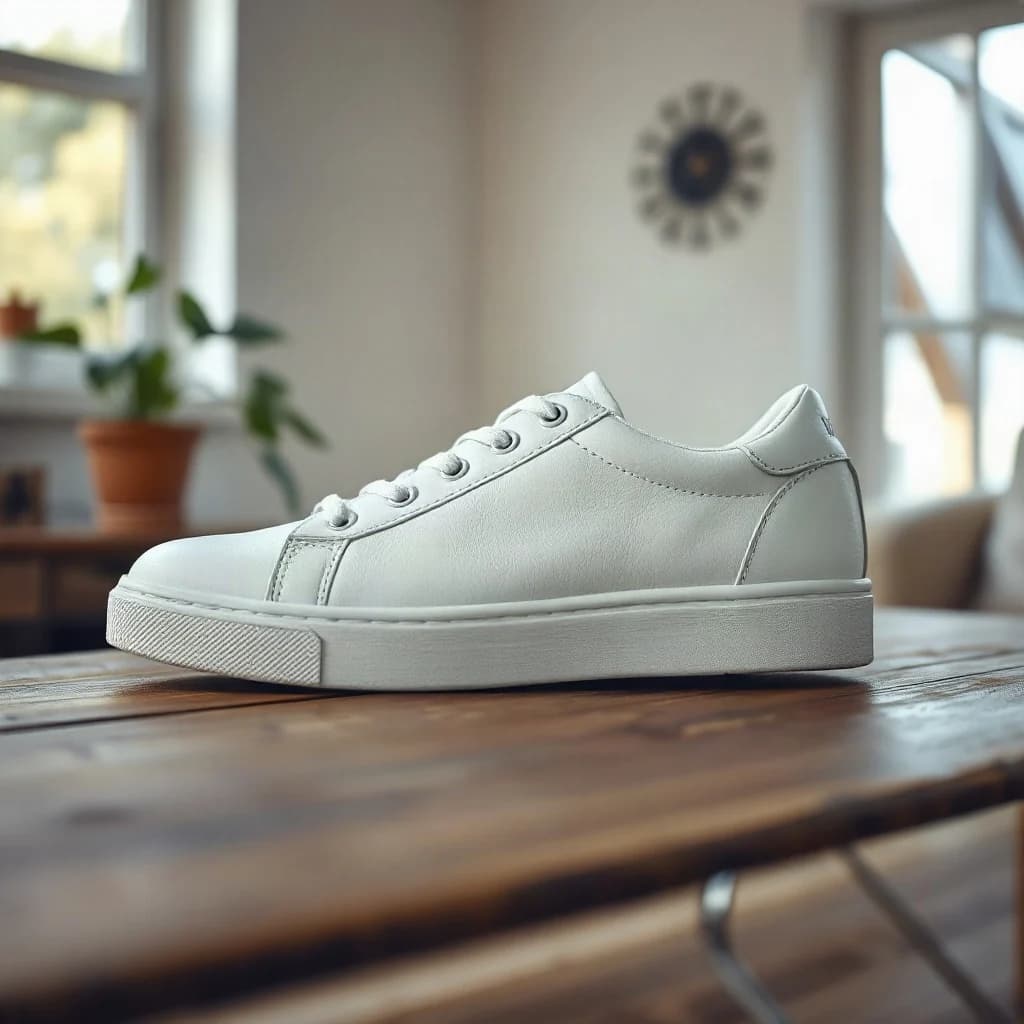
Lifestyle scenes
Put the product in a styled scene for ads and social posts, without booking a set. The product itself stays unchanged.
Try it  BeforeAfter
 03
03Ghost mannequin
Remove the mannequin from clothing photos so the garment keeps its shape, as if worn by an invisible model.
Try it BeforeAfter
 04
04Rescue supplier photos
Make small, soft or compressed supplier images sharp enough for zoom and large product pages.
Try it
The right size for every channel, from one upload
- 2000 × 2000Amazon main image
- 1600 × 1600eBay
- 2048 × 2048Shopify product
- 1080 × 1350Instagram post 4:5
Ready-made workflows for online stores
Start from a template, change any step and run it on your whole catalogue.
- Listing pack for every channel
- Remove background
- Review
- Floor shadow
- Amazon, eBay, Shopify, Instagram
- Ghost mannequin
- Mannequin shot
- AI edit: hollow garment
- Remove background
- White square
- Supplier image rescue
- Upscale 2×
- Remove background
- 2000 px white square
- JPG
The tools behind it
- Background RemoverRemove the background from any image. Get a smooth & clean cutout fast.
- Clothes ExtractorExtract clothes from photos with and get clean cutouts in seconds.
- Image EnhancerIncrease the resolution and details of any image with one single click.
- Blur RemoverEasily unblur your images with our AI tool, and increase their quality and details.
Frequently asked questions
Are the photos ready for Amazon's main image rules?
The white background step uses pure white (RGB 255, 255, 255) and the Amazon preset exports 2000 × 2000 px with the product filling the frame. Rules differ by category and change from time to time, so check the current requirements in Seller Central.
Will the product itself be changed?
Background removal and export presets don't touch the product. AI scenes are prompted to keep it unchanged, but AI can still make mistakes, so check results before you publish. In a workflow, a review step lets you redo any image before the next step runs.
Can I edit my whole catalogue at once?
Yes. Upload a folder of product photos to a workflow and every image goes through the same steps with the same settings. You download the finished files in one zip, named your way.
How does the ghost mannequin effect work?
Photograph the garment on a mannequin as usual. The ghost mannequin template removes the mannequin with an AI edit, keeps the garment's shape and the inside of the neckline, and puts it on white.
Which sizes can I export?
Presets include Amazon, eBay, Shopify, Instagram, Story and Reel, Pinterest, Facebook, X, LinkedIn and YouTube, and you can pick several at once.
Turn your next product drop into listings today
From phone photo to every marketplace size in one run.
Start for free